
Play
Content checked on 27 May 2026: This article addresses one mobile task without suggesting account shortcuts, requesting private data or using exaggerated reward claims.
Choose games you understand
Animated screens may draw attention, but a suitable first choice is a game whose rules and pace you understand. Review the buttons and labels before starting.
A winning screenshot does not explain the rules, limits or phone requirements, so it should not be the reason for choosing a game.
Reduce mistaken taps on small screens
On a small display, notifications, moisture, screen protectors and lag can all change how taps register. Clean the screen, silence distractions and use a stable connection before the session.
When a button appears unresponsive, wait for the screen to update. Pressing repeatedly during lag can register unintended actions.
- Review the in-game rules
- Load a single game first
- Pause notifications that may hide on-screen buttons
- End the session at the limit decided earlier
Use different habits for different game categories
Fast titles demand short periods of attention, card-style games require clear understanding of labels and outcomes, and reward sections require term checks. Adjust the approach to each category.
A useful game guide should help users choose carefully and know when to stop, rather than encouraging more play.
Check a game before starting
Use the first moments in a new game to study the layout, labels and stopping point. Leave the screen and read more whenever the rules remain unclear.
Screen guide
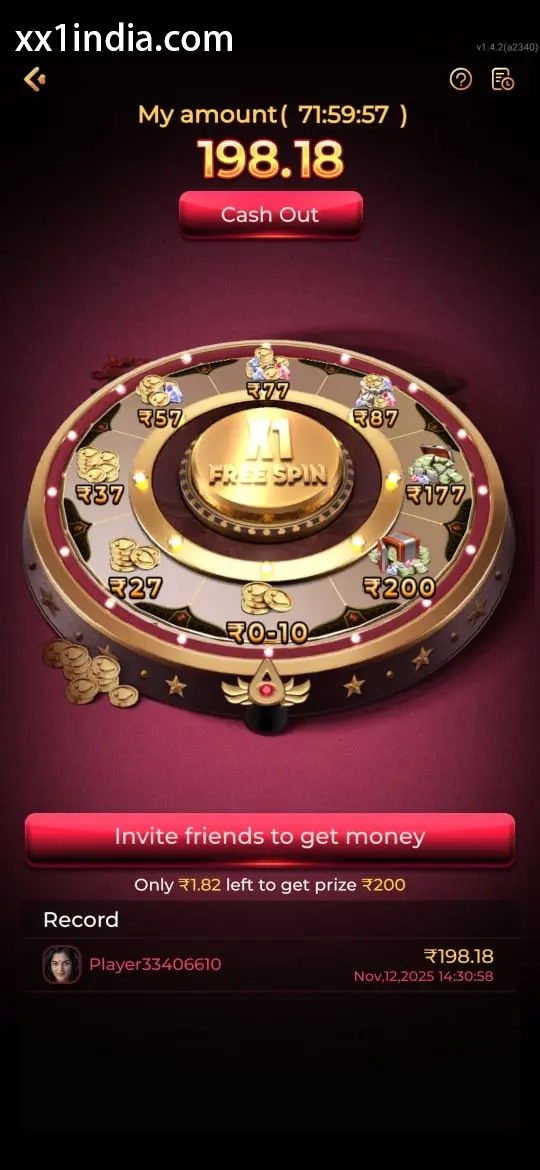
XX1 Game Selection Screen Reference
Use the screenshots only to recognise the layout; follow the latest prompts and account instructions displayed on your own device.
Choose the next guide
Open theAndroid APK and permission guide for installation questions, thelogin and recovery page for OTP or password problems, theregistration guide for creating an account, and thegame categories guide for questions about rules, categories or mobile play.