Offers
Content checked on 27 May 2026: This article addresses one mobile task without suggesting account shortcuts, requesting private data or using exaggerated reward claims.
Start with the important conditions
The headline does not tell the whole story. Check who qualifies, how long the offer runs, what activity is required and when the reward may be used. Wait when any condition is unclear.
Do not base a decision on an old screenshot, because reward terms may change before blog posts or social updates are revised.
Eligibility and profile checks
An offer may depend on new-user status, verification, payment method, activity or app version. A visible banner does not mean the reward applies when the account misses a condition.
When asking for support, provide the offer name and date without including private login details.
- Review who can use the offer
- Confirm the offer period
- Check the rules for using or withdrawing the reward
- Do not post screenshots containing personal details
Claim only after reading
Your existing limits should not change because of an offer. Step away when a promotion creates pressure; rewards should remain understood, planned and optional.
Reliable reward guidance avoids outcome promises and shows users how to examine the conditions before deciding.
When an offer is missing
Do not open another account merely to trigger an offer. Confirm eligibility, verification status and expiry first, then describe the visible issue to support without sharing an OTP or password.
Screen guide
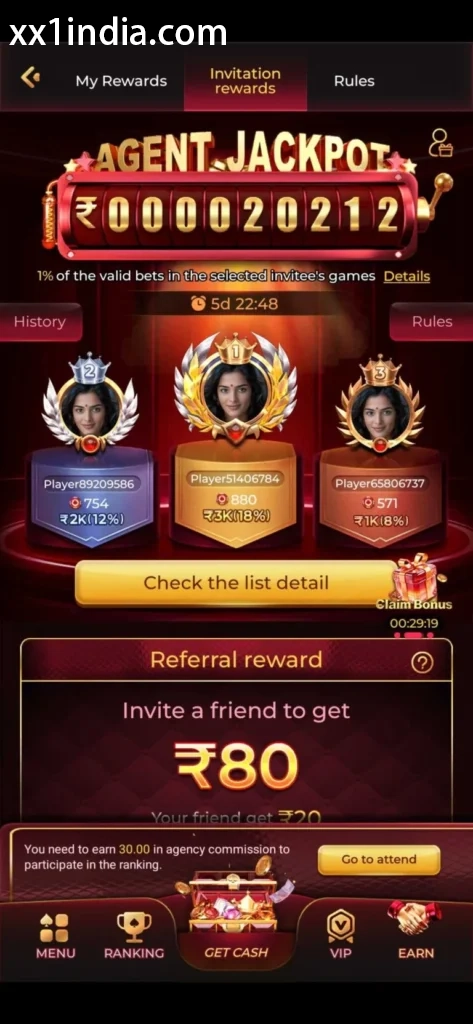
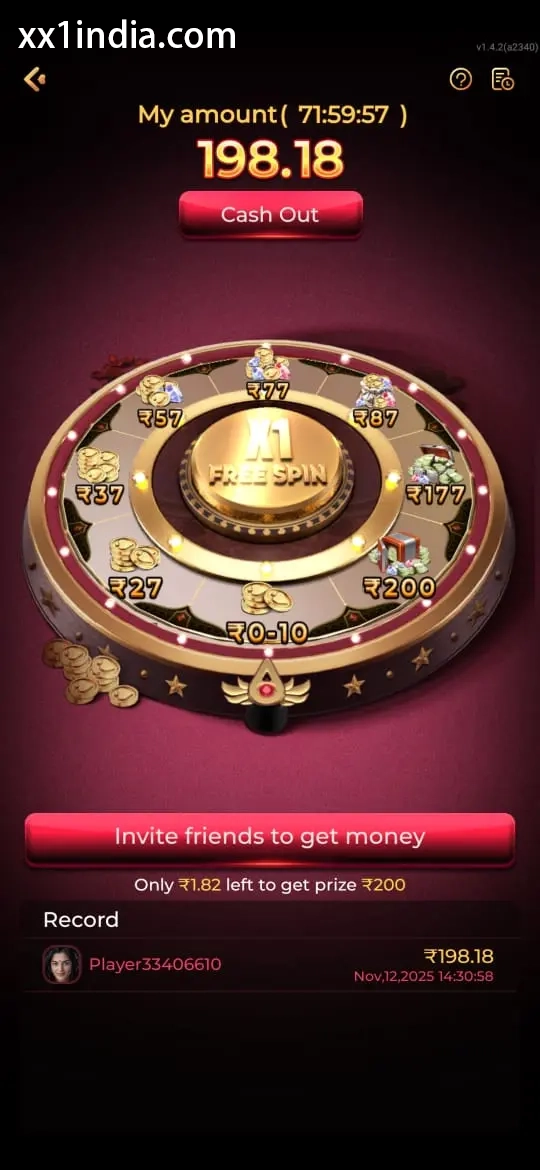
XX1 Reward Terms Screen Reference
Use the screenshots only to recognise the layout; follow the latest prompts and account instructions displayed on your own device.
Choose the next guide
Open theAndroid APK and permission guide for installation questions, thelogin and recovery page for OTP or password problems, theregistration guide for creating an account, and thegame categories guide for questions about rules, categories or mobile play.